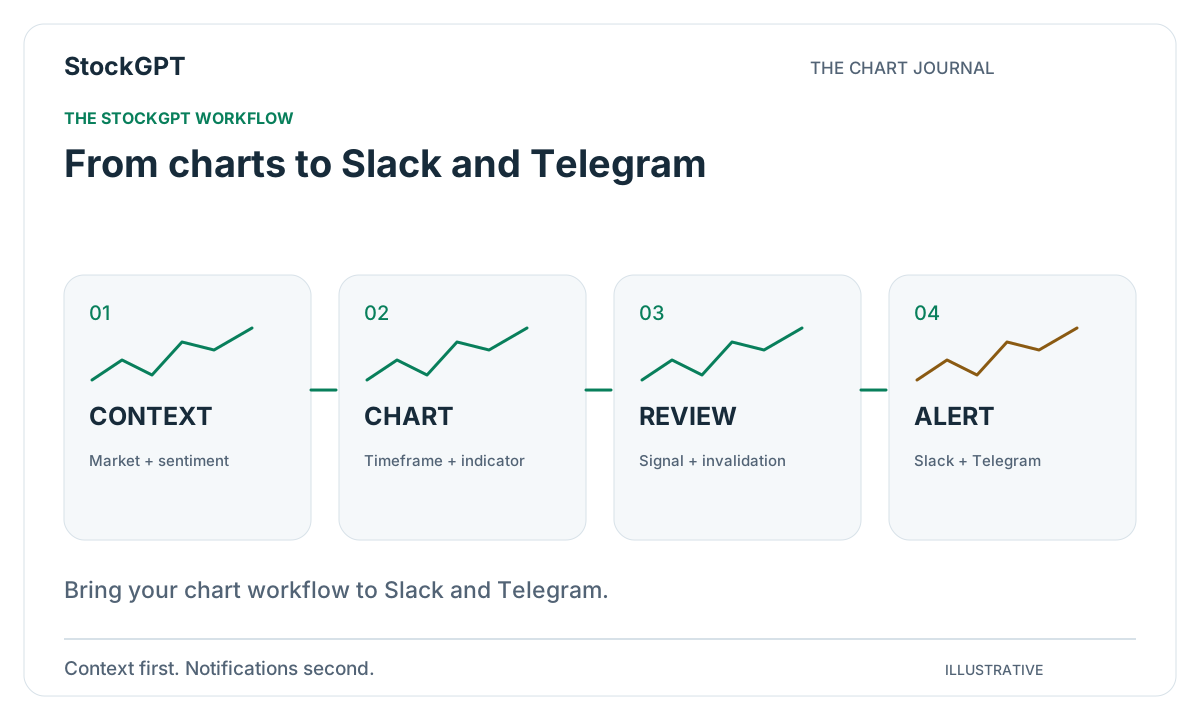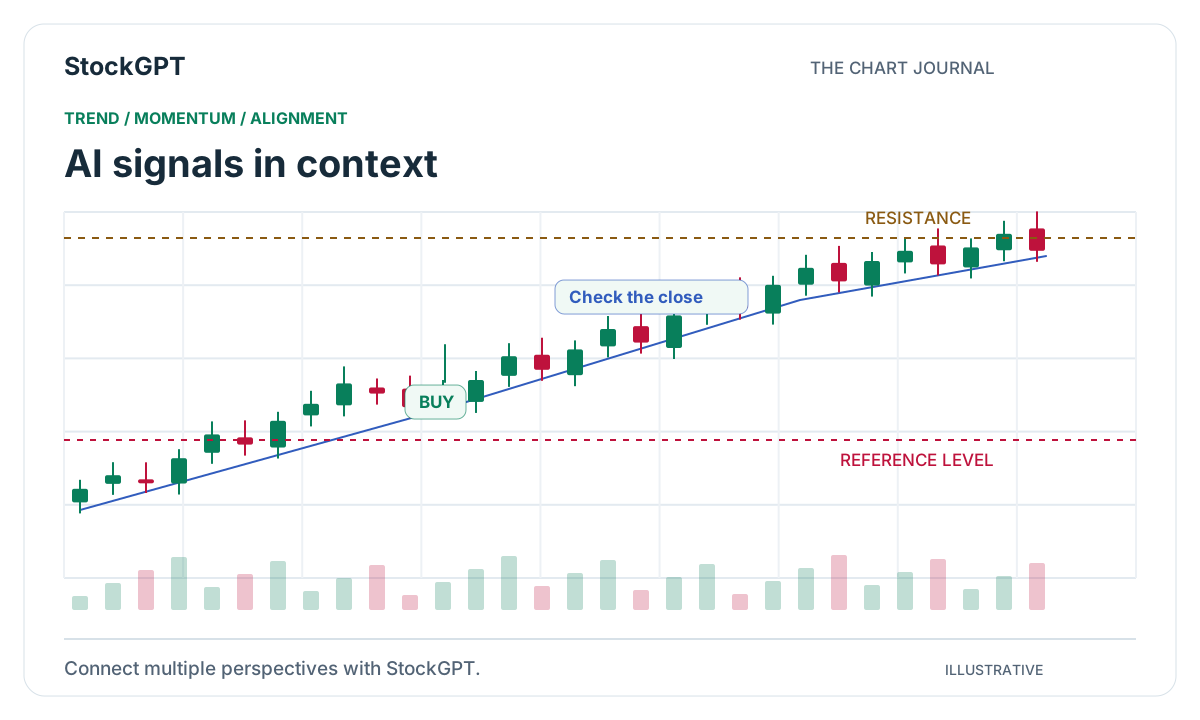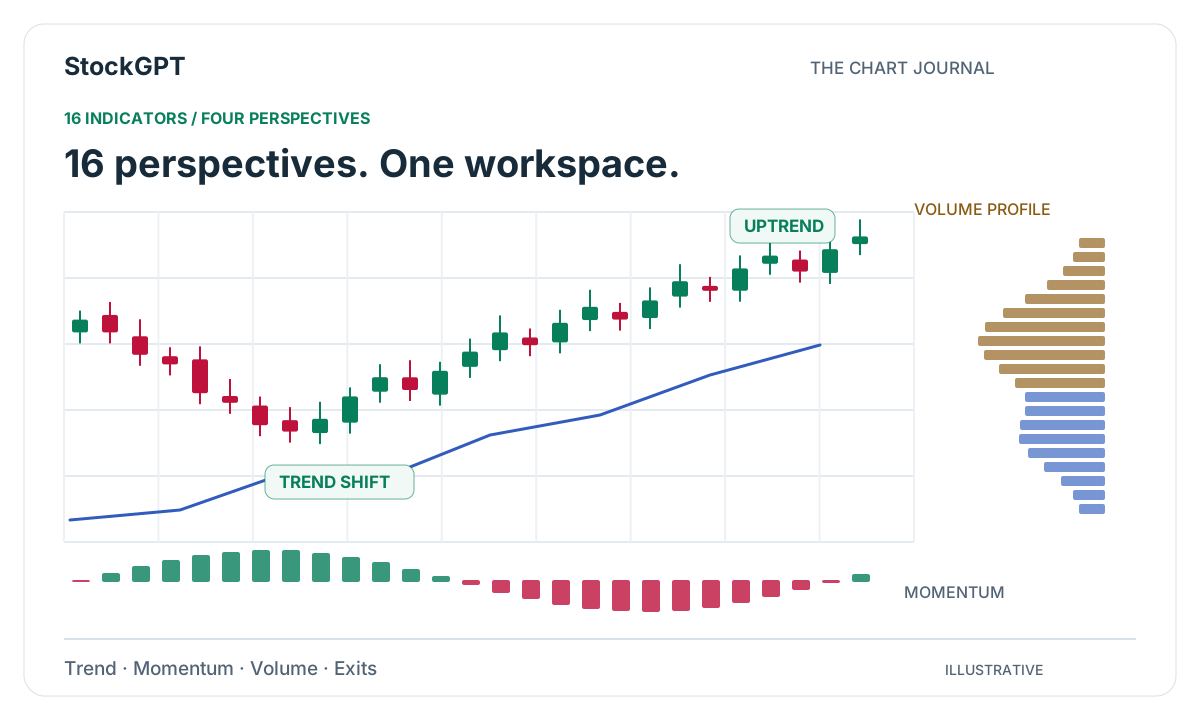
There is a satisfying moment in chart analysis when several pieces of information start to connect. The direction becomes clearer, momentum gives the move character, and activity highlights the areas worth watching. StockGPT’s indicator suite is designed to bring those perspectives into the same workspace, so you can move from the overall signal to the details that interest you.
Start with the connected signal view
StockGPT combines readings from multiple indicators through its indicator agreement system. The consolidated view gives you a place to begin, while the individual tools let you explore the chart from different analytical perspectives.
The suite covers four useful questions: which direction is developing, how momentum is changing, where activity is concentrated, and how confirmation or exit references are evolving. You can keep the workflow simple while still having more detail available whenever you want it.
Trend tools bring direction into focus
Market Navigator brings trend-following and contrarian views together with multi-timeframe context. SuperTrend AI explores adaptive trend changes using performance clustering. Kalman SuperTrend adds a Kalman-adapted trend view and exhaustion areas, while Trend Guard provides price confirmation and volatility-based rails.
Smart Buy / Sell Signal offers selectable strategy styles, and Signals & Overlays combines signal views with chart overlays. These six tools give you several ways to study direction. Start with the view that fits your question, then use another perspective when you want to explore the same moment more closely.
Momentum tools reveal the character of a move
Squeeze Momentum examines compression, release, and the momentum histogram. Smart MACD Reversal explores oscillator behavior and divergence. Price & Momentum Reversal focuses on momentum extremes and confirmation, while Reversal Forecast presents historical reversal groups and conditional scenarios.
Oscillator Matrix completes this group with adaptive momentum and flow-related views. Together, these five tools help you study how a move develops: the pause, the acceleration, and the transition into a new phase. They add detail to the directional picture established by the trend tools.
Volume tools add location and participation
Volume Profile maps estimated activity across price levels, highlighting a point of control and value-area boundaries. Liquidity Profiler explores pivot zones, sweeps, and price-and-volume-derived estimates. Volume Drift brings volume-pressure estimates together with momentum and adaptive bands.
These three views are useful when you want to understand the area around a setup. Compare them with the same instrument and timeframe so you can connect the directional reading with where activity is concentrated. This makes the chart easier to explain and the observations easier to revisit.
Confirmation and exits complete the workspace
Trade Engine combines multiple factors with market-regime and higher-timeframe context. Exit provides volatility-based trailing references using price extremes and Average True Range. These final two tools extend the analysis beyond the initial signal.
A practical starting workspace might combine a trend view, Volume Profile, and Exit. Each has a clear role: direction, activity, and a trailing reference. Keep your settings consistent, save the setup, and explore how the views develop together over time.
Make the suite part of your daily routine
Both Silver and Gold Plans include the AI-Powered Premium Indicator suite, BUY/SELL signals, chart analysis, and Market Sentiment. Gold adds alerts and Paper Trading for a more connected workflow.
Begin with one market and one question. Explore the consolidated signal, choose the individual views that help answer that question, and save a short note. As you become familiar with the tools, the same workspace can support a wider range of chart studies without losing its structure.
- Start with the consolidated signal.
- Choose complementary indicator families.
- Keep the symbol and timeframe consistent.
- Save the setup and revisit the readings.
Reader questions
How many indicators does StockGPT include?
The current suite includes 16 indicators covering trend and signals, momentum and reversals, volume and liquidity, and confirmation and exits.
Where should I start with the indicator suite?
Begin with the consolidated signal and one trend view, then add a momentum or volume perspective that fits your question. Both Silver and Gold Plans include the core indicator suite.
Bring your analysis together.
Explore StockGPT’s AI-powered indicators, combined BUY/SELL signals, and Market Sentiment in one workspace.