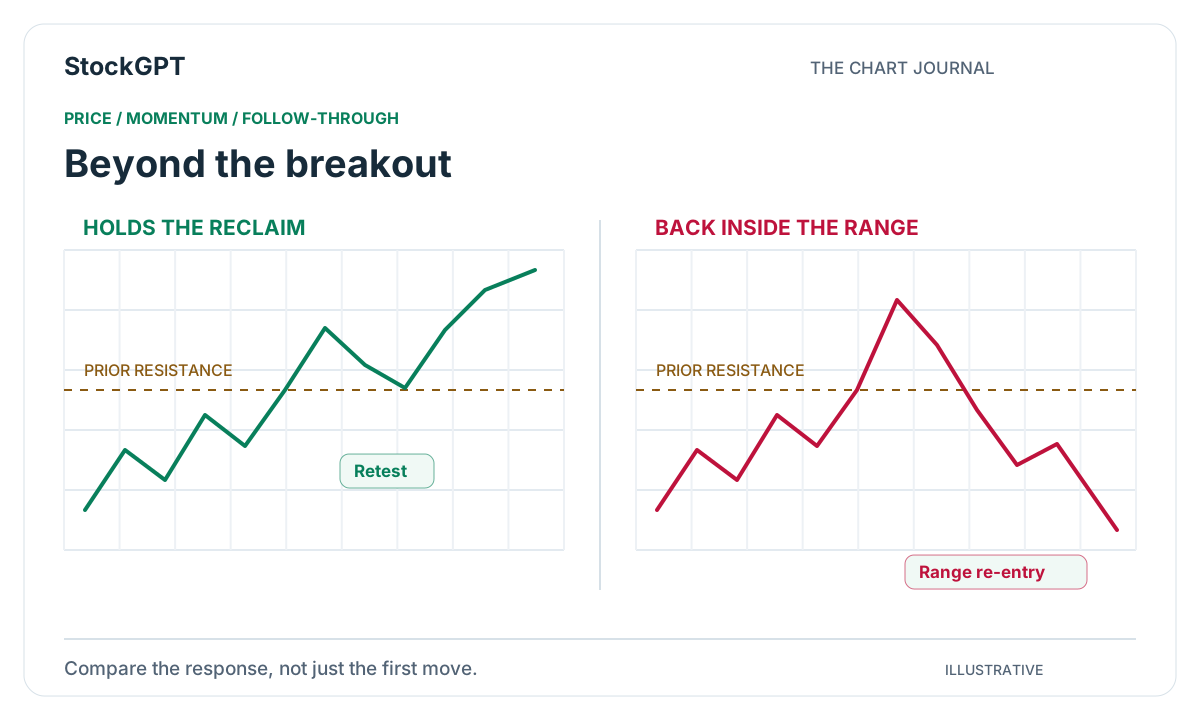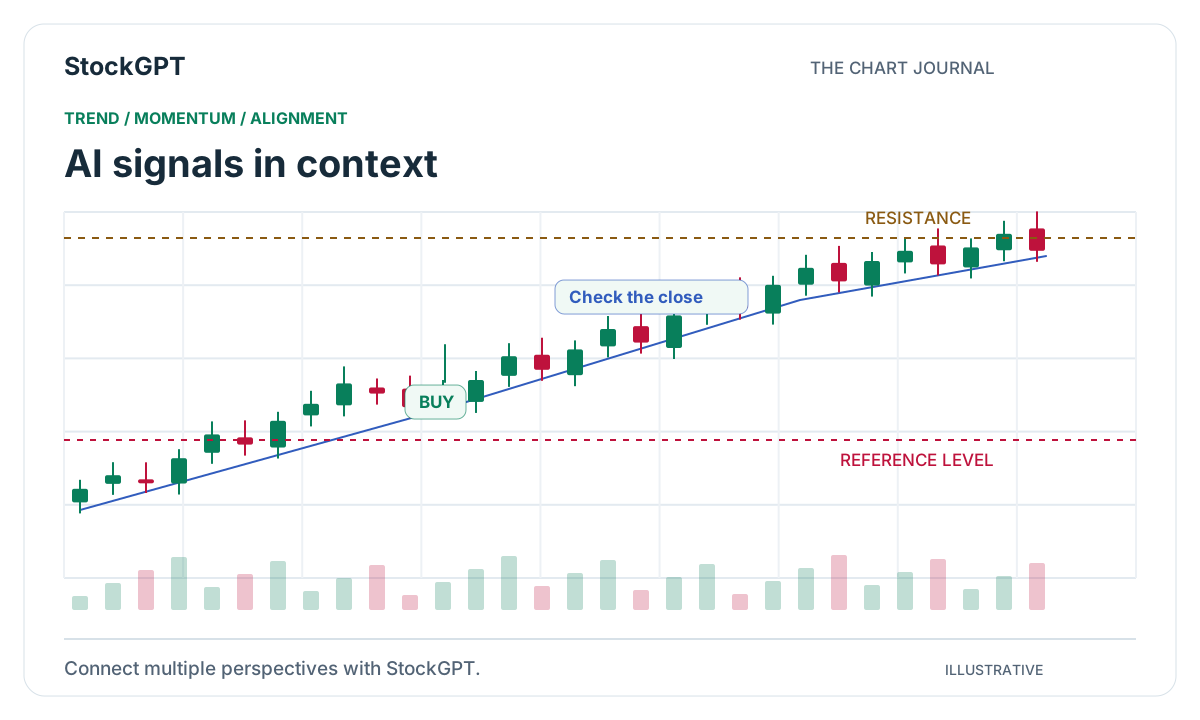
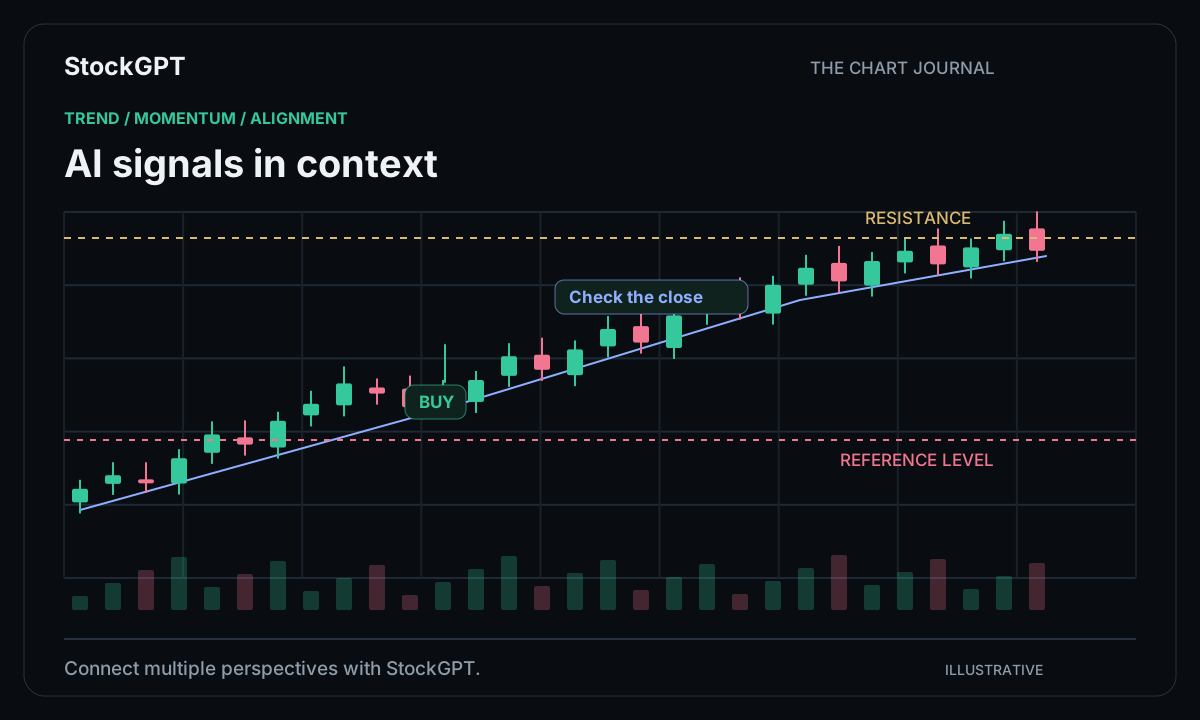
A busy chart can hold a lot of useful information. The challenge is bringing it together quickly enough to see what matters. StockGPT connects multiple indicator perspectives in one workspace, turning separate readings into a consolidated BUY/SELL signal view. Open the chart, see the direction, and explore the conditions behind it—all without rebuilding your analysis from scratch.
Several perspectives, one connected view
A trend indicator answers a different question from a momentum oscillator. One describes direction; the other examines the pace of a move. Volume adds another layer by showing where activity is concentrated. Together, these views give a chart more depth.
StockGPT brings those perspectives into the same workflow. Its indicator agreement system combines directional readings and presents a consolidated state. That gives you a practical starting point: see where the indicators align, then inspect the chart and individual tools for a closer look.
Follow the trend, then explore the detail
Start with the bigger movement. Is the market advancing, moving sideways, or rotating toward a new direction? Tools such as SuperTrend AI, Trend Guard, and Market Navigator offer ways to explore that structure.
Once you have the directional picture, compare the signal with nearby levels and the selected timeframe. A five-minute view can highlight a different part of the same move than a broader chart. Keeping these settings visible makes each signal easier to place in context and your daily analysis easier to repeat.
Add momentum and volume to the picture
Momentum tools help you examine how a move is developing. Squeeze Momentum, Smart MACD Reversal, and Oscillator Matrix each offer a distinct perspective on changing market conditions. Volume Profile and Volume Drift add information about activity and price.
This is where a connected workspace becomes especially useful. Instead of opening a collection of unrelated charts, you can move between complementary views while keeping the instrument and timeframe consistent. The result is a more organized way to explore the evidence behind a BUY or SELL indication.
Turn a signal into a useful daily routine
A good workflow is easy to revisit. Choose the instrument, select your timeframe, review the consolidated signal, and explore the indicator views most relevant to your question. Save a short note about what caught your attention and the conditions you want to follow.
For example, you might start with a directional signal, inspect the trend view, then open Volume Profile to see the surrounding activity. That small sequence gives every screen a purpose. It also makes it easier to compare today’s observations with the next session.
- Choose your stock or cryptocurrency.
- Review the timeframe and consolidated signal.
- Explore trend, momentum, and volume alignment.
- Save the setup and follow its development.
Choose the StockGPT plan that fits your workflow
Both Silver and Gold Plans include AI-powered BUY/SELL signals, Advanced Chart Analysis, AI-Powered Premium Indicators, and Market Sentiment. You can begin with the core charting experience and explore the suite at your own pace.
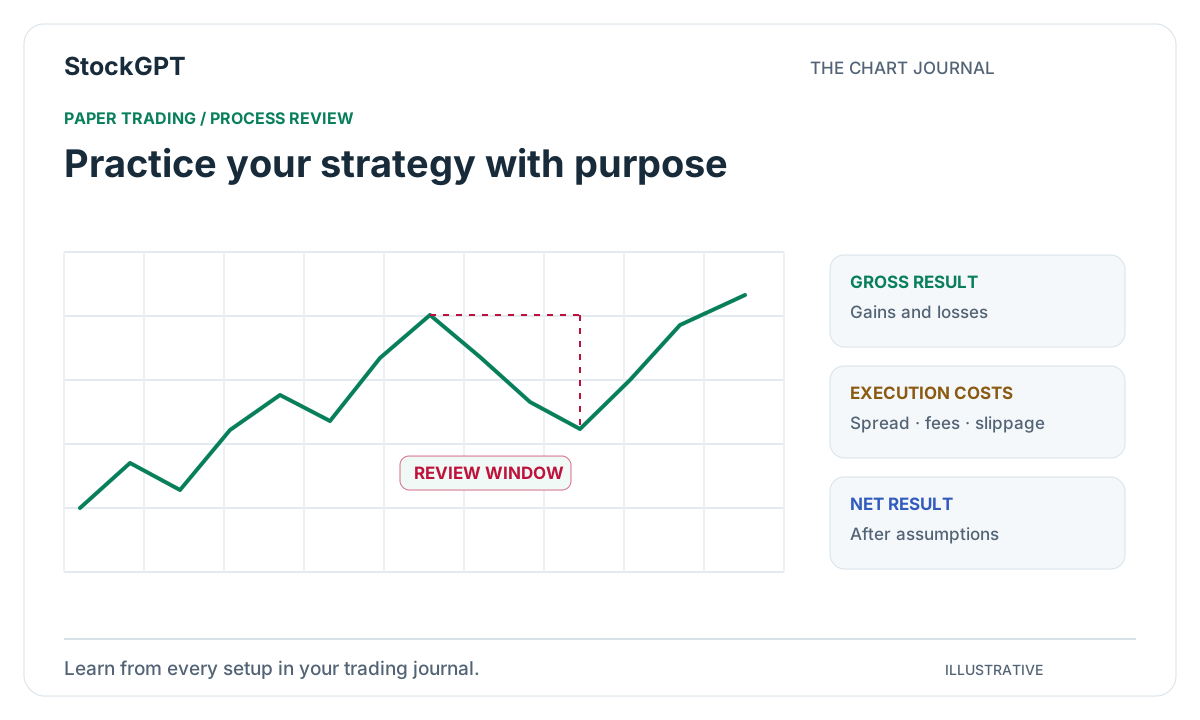
Gold adds Slack and Telegram alerts plus Paper Trading, connecting analysis with a more complete daily routine. Whether you prefer studying charts directly or bringing notifications into your existing workspace, StockGPT gives you a clear path from market observation to an organized trading process.
Reader questions
How does StockGPT generate BUY/SELL signals?
StockGPT combines directional readings from multiple indicators through its indicator agreement system. The consolidated view helps you see alignment across tools, while individual charts let you explore the underlying trend, momentum, and volume context.
Are AI-powered BUY/SELL signals included in Silver?
Yes. Both Silver and Gold Plans include AI-powered BUY/SELL signals and the premium indicator suite. Gold also includes Slack and Telegram alerts and Paper Trading.
Bring your analysis together.
Explore StockGPT’s AI-powered indicators, combined BUY/SELL signals, and Market Sentiment in one workspace.