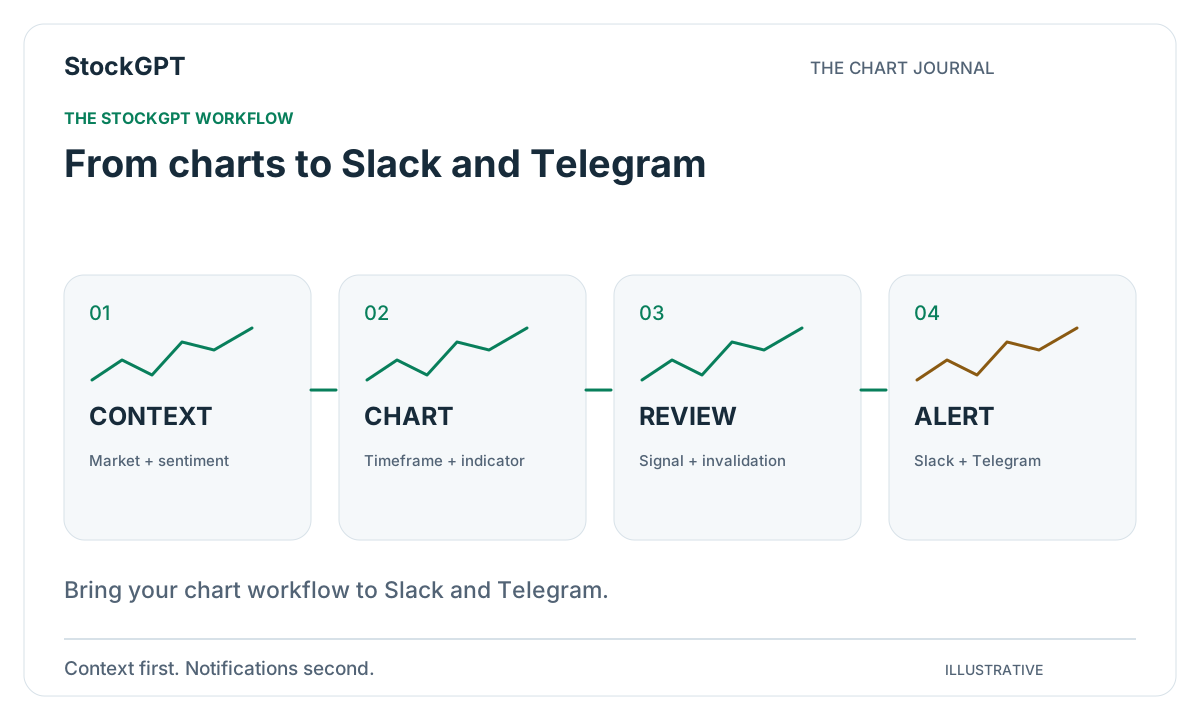
Your best workflow is the one you can follow comfortably every day. Open the market, find the chart you care about, review the signal, and keep the relevant updates close at hand. StockGPT brings those steps together, with Slack and Telegram integration available through Gold to connect chart analysis with the tools you already use.
Start with the right market context
Choose Stock Market or Cryptocurrency, then select the instrument you want to explore. Check the timeframe and displayed timestamp so your review begins with a clear view of the chart. A short visit to Market Sentiment adds the broader context.
This opening sequence gives the session a purpose. You know which market you are studying, which period you are looking at, and what has drawn your attention. From there, the indicator views become much easier to choose.
Explore the signal and its supporting views
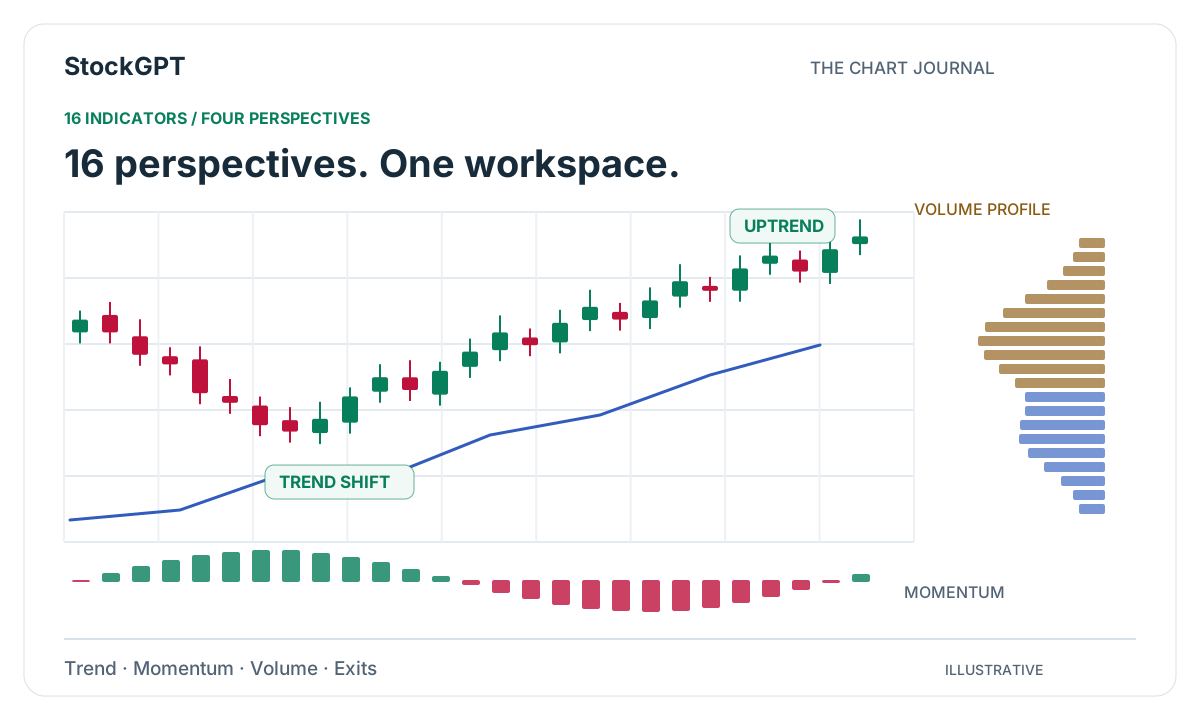
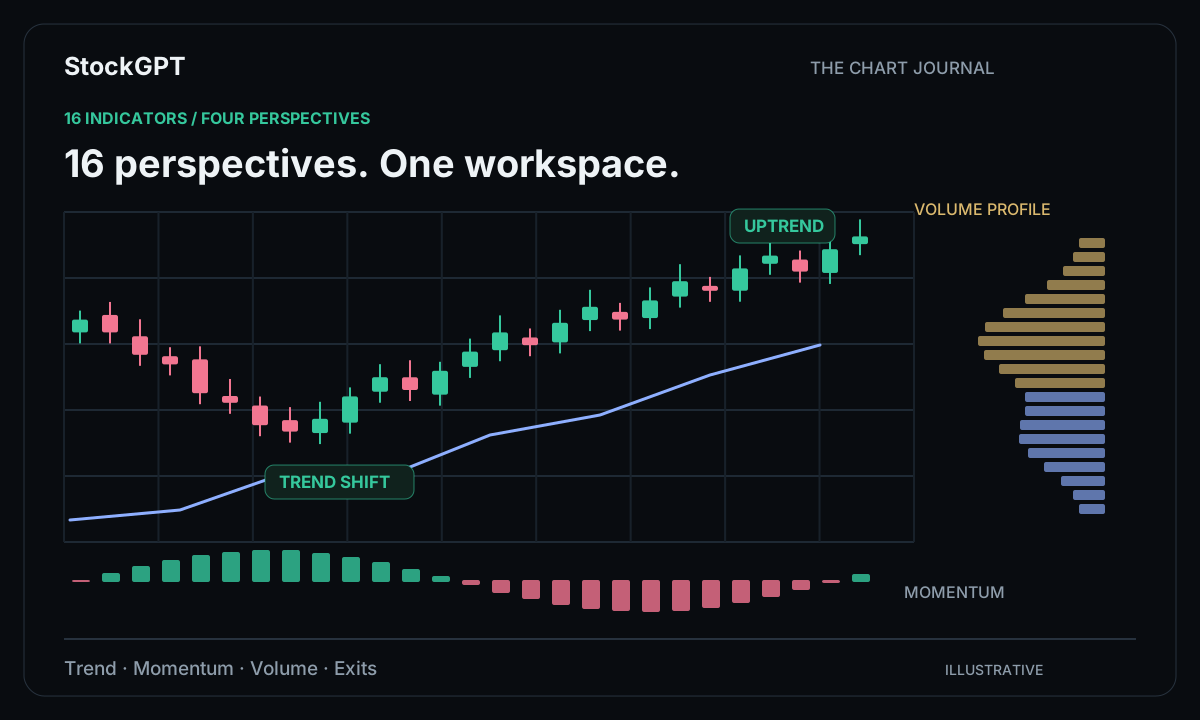
StockGPT combines readings from multiple AI-powered indicators to generate a consolidated signal view. Use that as your starting point, then inspect the tools most relevant to the setup. Trend, momentum, and volume each add a different perspective.
For example, begin with the directional reading, open a trend view, and compare it with Volume Profile. Keeping the instrument and timeframe unchanged lets you examine the same moment from several angles. Your notes can then explain the setup in a few clear sentences.
Bring notifications into your workspace
Gold includes Alerts with Slack and Telegram integration. Open the dashboard’s integration settings and review the available destination controls, then configure the supported alert conditions that fit your routine.
A focused set of notifications keeps the workflow purposeful. Think about which markets you follow and which events you want to revisit on the chart. When an update arrives, it gives you a convenient starting point for the next review, with the original context close at hand.
Make room for practice
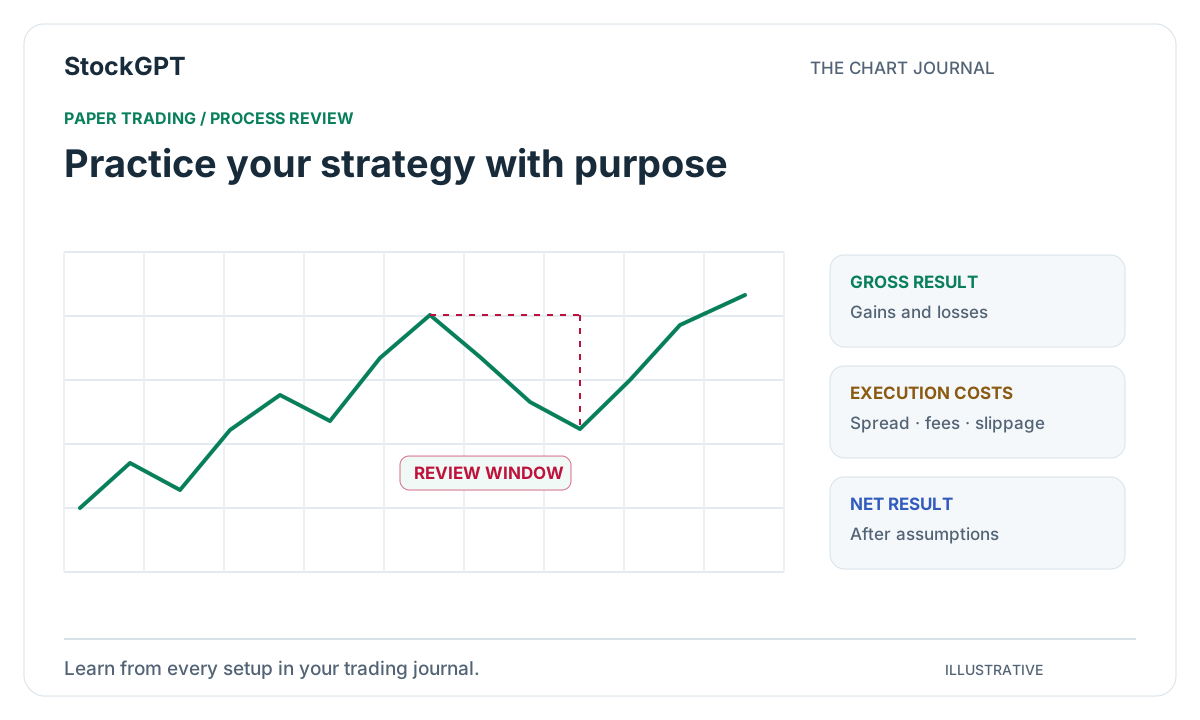
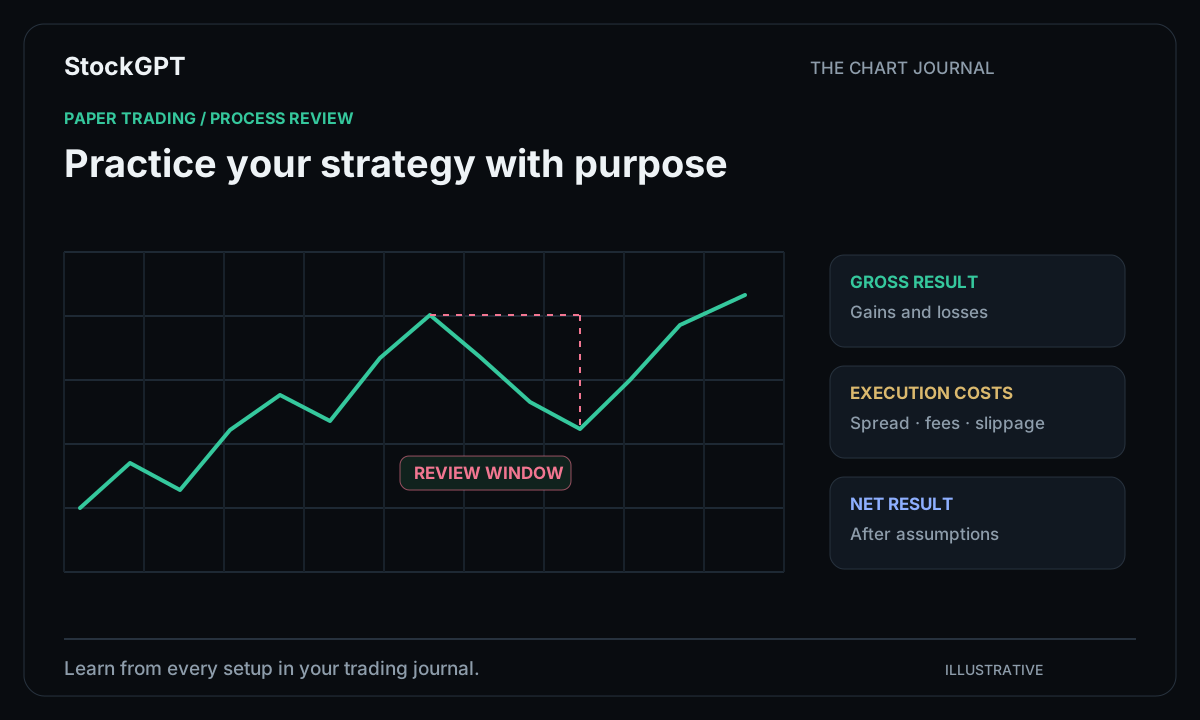
Gold also includes Paper Trading, giving you a simulated environment for practicing your process. Use it to become familiar with how a setup develops, how you record decisions, and how you review the session afterward.
Keep the practice routine connected to the same chart workflow. Start with context, inspect the signal, review the supporting indicators, and write down the observation. That consistency makes each practice session easier to compare with the next.
End the session with a useful next step
A short review turns the day’s activity into something you can build on. Save the charts that taught you something, note which notifications were most useful, and identify the areas you want to watch next time.
StockGPT keeps the core views together, while Gold brings alerts and practice into the same routine. The result is a workspace that supports the full sequence—from opening a market to reviewing what you learned about it.
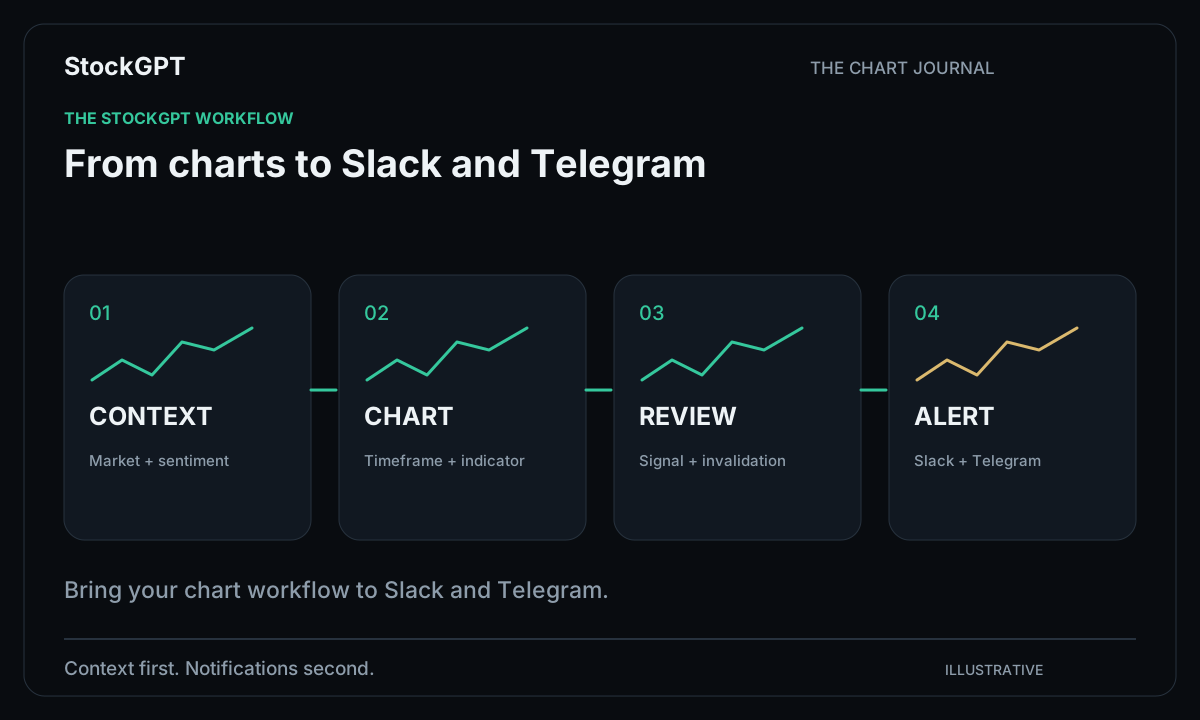
- Context: choose the market and review sentiment.
- Chart: select the instrument, timeframe, and indicator.
- Signal: explore alignment across the tools.
- Alerts: connect supported updates to Slack or Telegram.
- Practice: use Paper Trading and save your observations.
Reader questions
Which plan includes Slack and Telegram integration?
Gold includes Alerts with Slack and Telegram integration, alongside the core chart analysis, AI-powered signals, indicators, and Market Sentiment features.
Can I practice my workflow in StockGPT?
Yes. Gold includes Paper Trading, a simulated environment where you can practice your process and review how your setups develop.
Bring your analysis together.
Explore StockGPT’s AI-powered indicators, combined BUY/SELL signals, and Market Sentiment in one workspace.