Some chart moments immediately draw your eye: a familiar ceiling gives way, activity picks up, and price starts exploring new territory. Breakouts are compelling because they mark a visible change. StockGPT helps you take that first observation further by connecting the level itself with trend, momentum, and volume context.
Start with a level you can explain
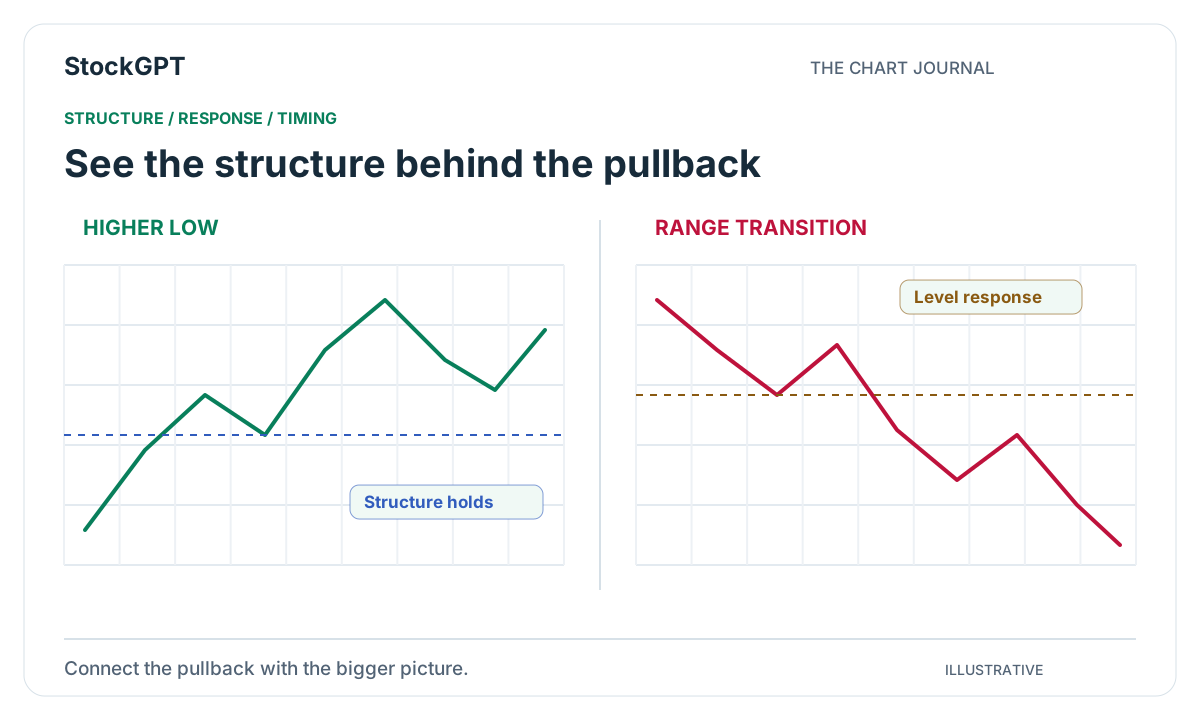
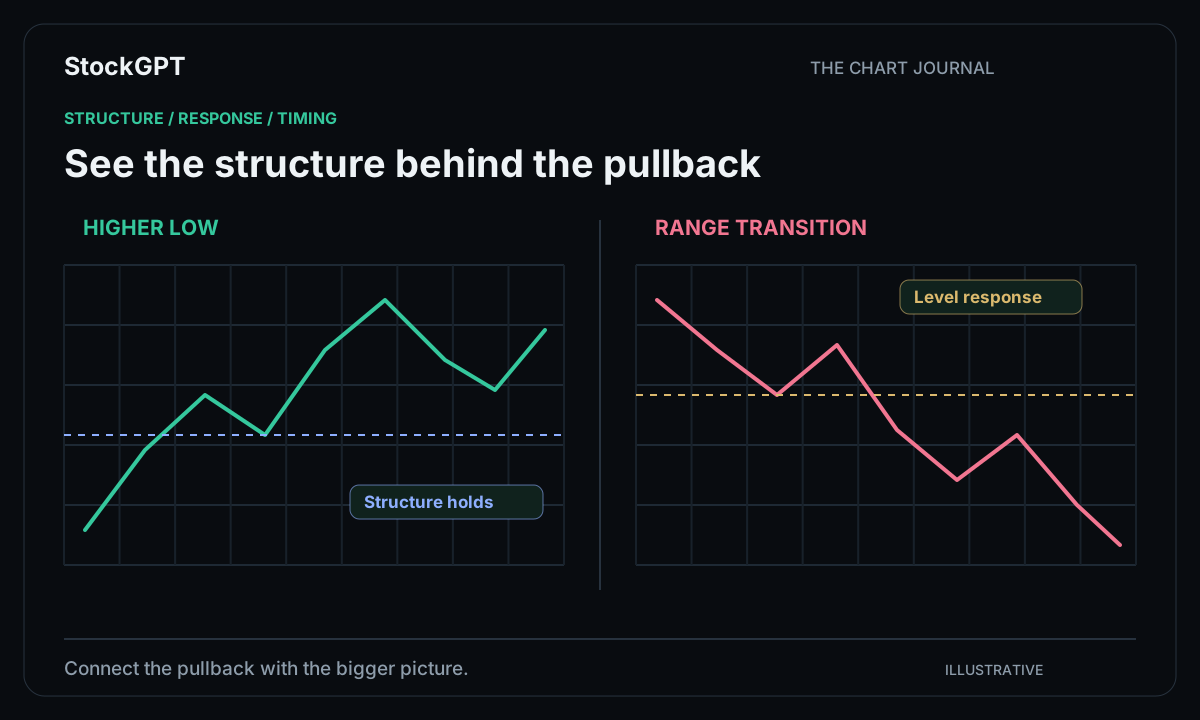
Look for an area where price has reacted more than once. That might be a recent high, the edge of a session range, or a zone that stands out on a broader chart. Marking it in advance makes the next move easier to interpret.
Imagine a stock rotating between $48 and $50. The area around the upper boundary becomes a natural place to focus. As price approaches it again, you already know the question you want to investigate: how does the market behave as it moves through this familiar area?
Watch how price establishes itself
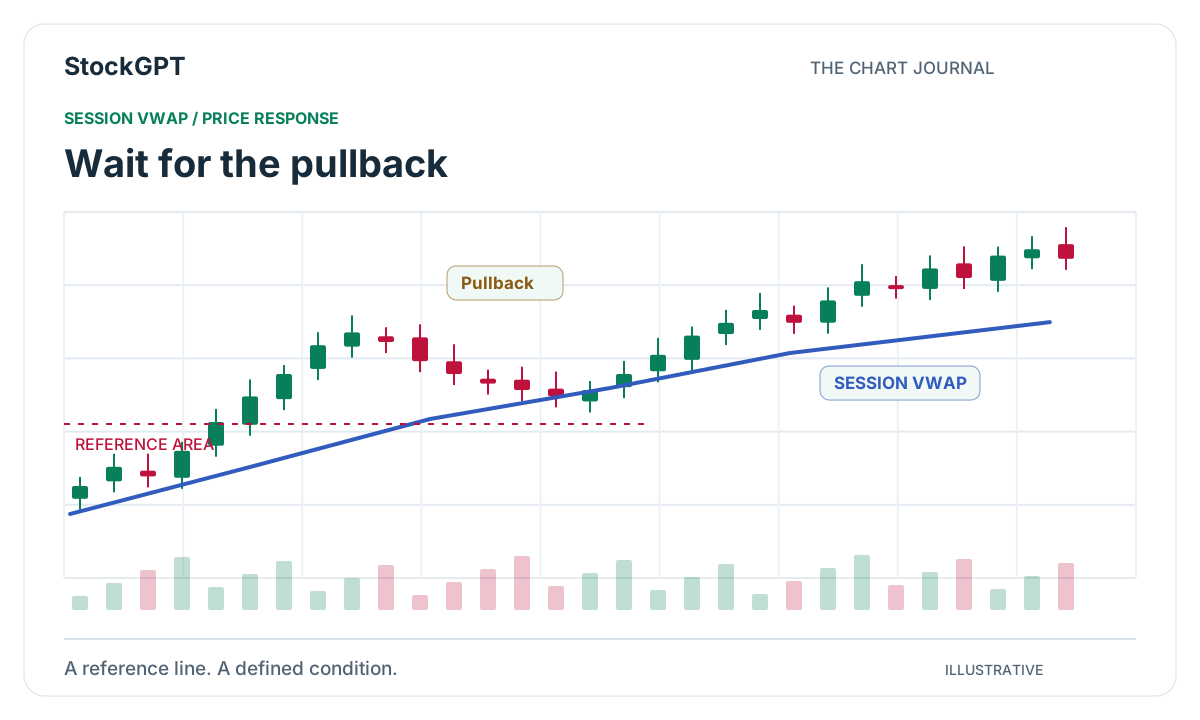
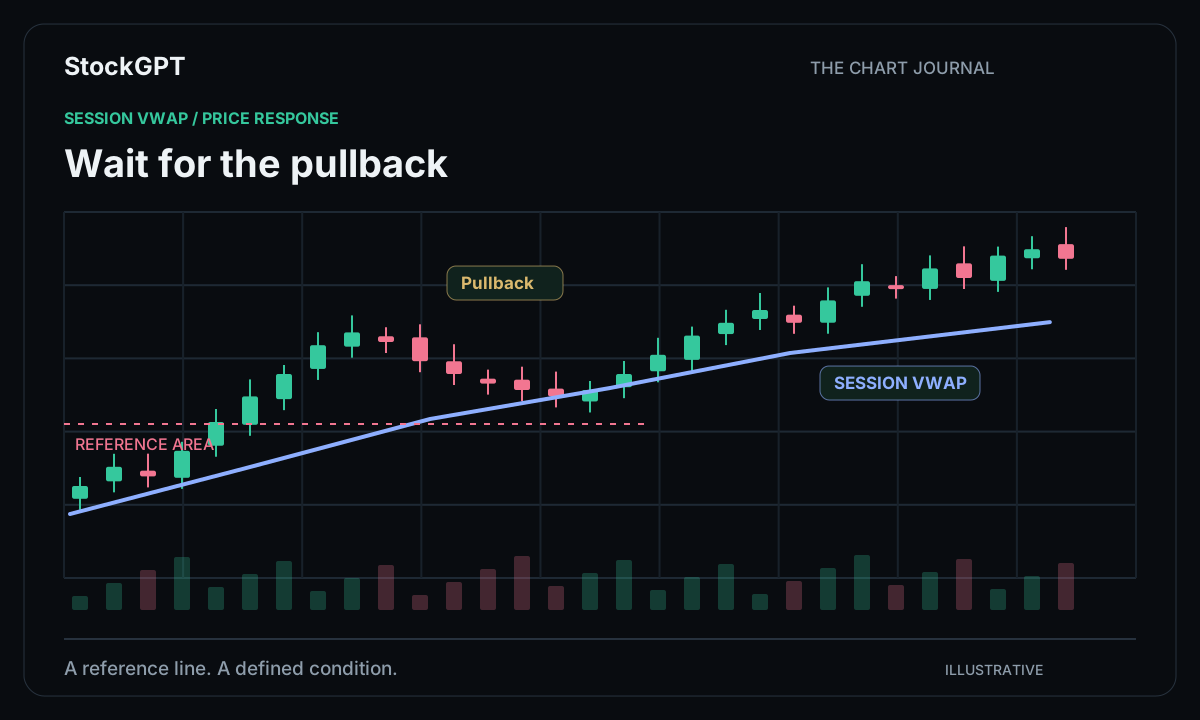
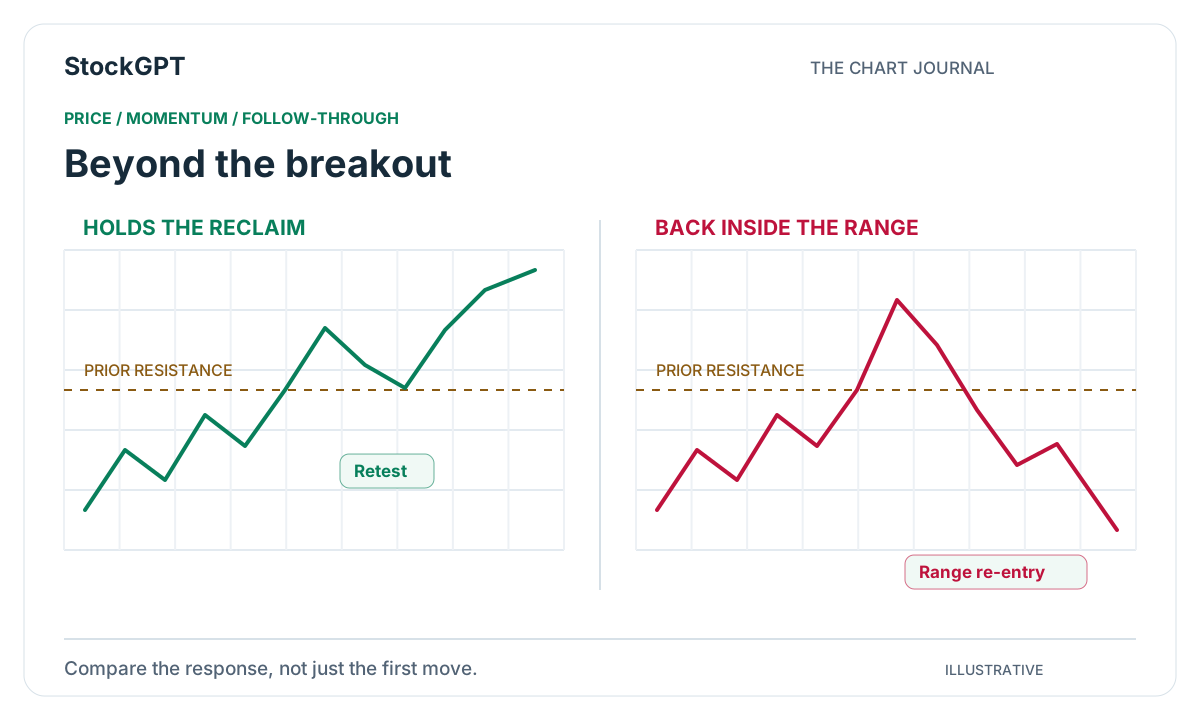
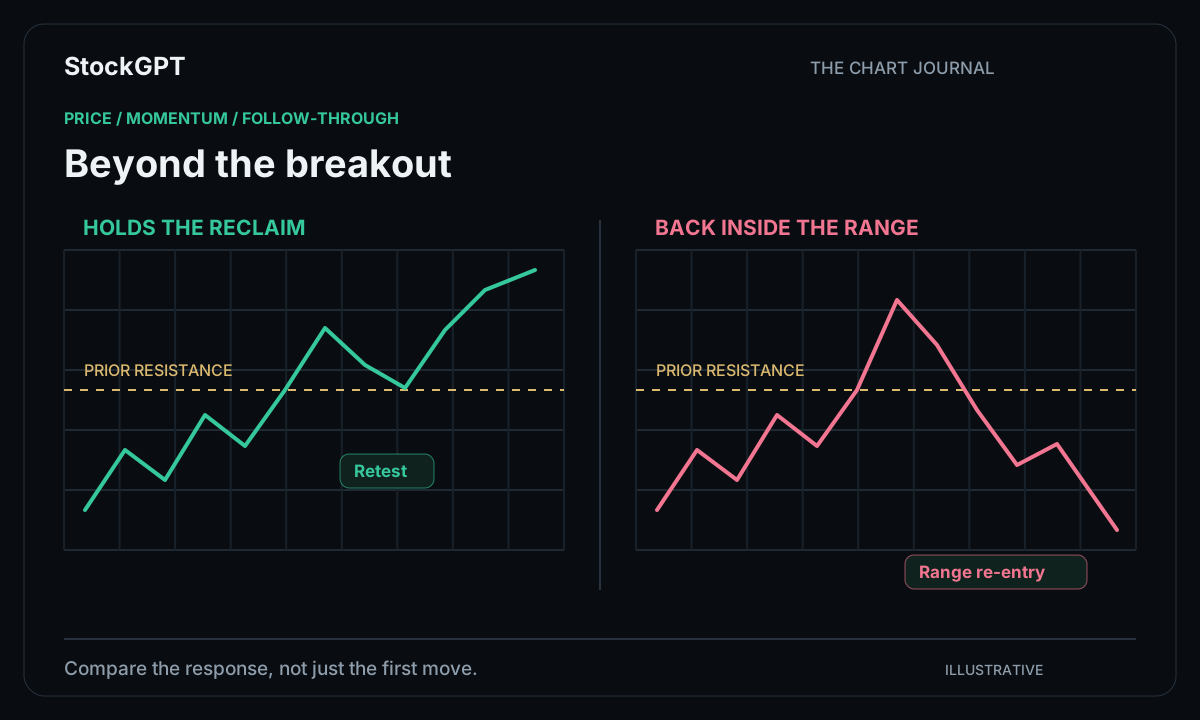
The first move through a level is an invitation to look more closely. Follow the completed candle and the next response. A close above the area, a return toward it, and a renewed move away give you a sequence you can describe and compare.
StockGPT’s chart analysis helps keep that sequence visible. Use a consistent timeframe and history range so the breakout stays connected to the structure that preceded it. The aim is to understand the progression of the move rather than focus on a single candle in isolation.
Bring momentum into the review
A breakout often becomes more interesting when the character of the move changes. Momentum can help you explore that transition. Squeeze Momentum provides a view of compression and release, while other oscillators offer additional ways to examine changes in pace.
Choose the view that best fits the question you are asking. If you are studying a release from a tight range, start there. If you are following a directional move, compare the momentum reading with your trend view. Giving each tool a specific job keeps the chart easy to read.
Use volume to understand the surrounding area
Volume Profile adds a price-based view of activity. Its point of control and value-area boundaries offer useful references when you are exploring a breakout, reclaim, or retest. You can see where estimated activity has accumulated and compare that with the developing price move.
For a practical review, keep the instrument and selected range consistent. Examine the breakout candle, the nearby profile structure, and the later response together. This gives your notes more detail than a simple “price crossed the line” observation.
Create a breakout routine worth repeating
Bring the pieces together in the same order each session: level, price response, momentum, then activity. Record the setup while it is fresh so you can compare similar examples later. A short, repeatable checklist makes the process easier to maintain.
StockGPT’s multi-indicator signal view can provide a starting point for this review. Both plans include the core chart tools, and Gold adds alerts and Paper Trading for traders who want to extend that workflow beyond the chart.
- Identify the relevant price area.
- Follow the close and the response around the level.
- Compare momentum with the trend view.
- Use volume context to complete the picture.
Reader questions
Which StockGPT tools can help with breakout analysis?
Volume Profile, Squeeze Momentum, and the trend-focused indicators provide complementary ways to study price levels, activity, and directional movement. Choose a combination that fits the setup you want to explore.
What should I record when reviewing a breakout?
Record the symbol, timeframe, marked price area, candle close, momentum reading, and subsequent response. Consistent notes make similar setups easier to compare.
Bring your analysis together.
Explore StockGPT’s AI-powered indicators, combined BUY/SELL signals, and Market Sentiment in one workspace.